Navigating the Helsenorge App in English: A Step-by-Step Translation
The most frustrating part of moving to Norway isn't necessarily the winter dark; it is the sudden realization that managing your basic health requires navigating a digital fortress entirely in a language you haven't mastered yet. I remember sitting in my Oslo apartment with a pounding sinus infection, staring at the Helsenorge interface and feeling completely defeated because I couldn't even figure out if I was booking an appointment or just sending a generic message. This guide will walk you through every button, menu, and notification in the Helsenorge app, translating the jargon into plain English so you can get the care you need without the linguistic headache.
Getting Started with Helsenorge as an Expat
The Helsenorge app is the heartbeat of the Norwegian healthcare system. It is where you find your doctor, see your prescriptions, and track your healthcare spending. However, the biggest hurdle for most newcomers is that while the landing pages often have an English toggle, the deep, functional parts of the app—the parts you actually need to use—frequently revert to Norwegian. Before you even open the app, you need to understand that your access is tied directly to your National Identity Number (fødselsnummer). If you are currently waiting on your paperwork and only have a D-number, your access might be restricted, and you may need to look into options like SafetyWing for short-term coverage while you wait for full system integration.
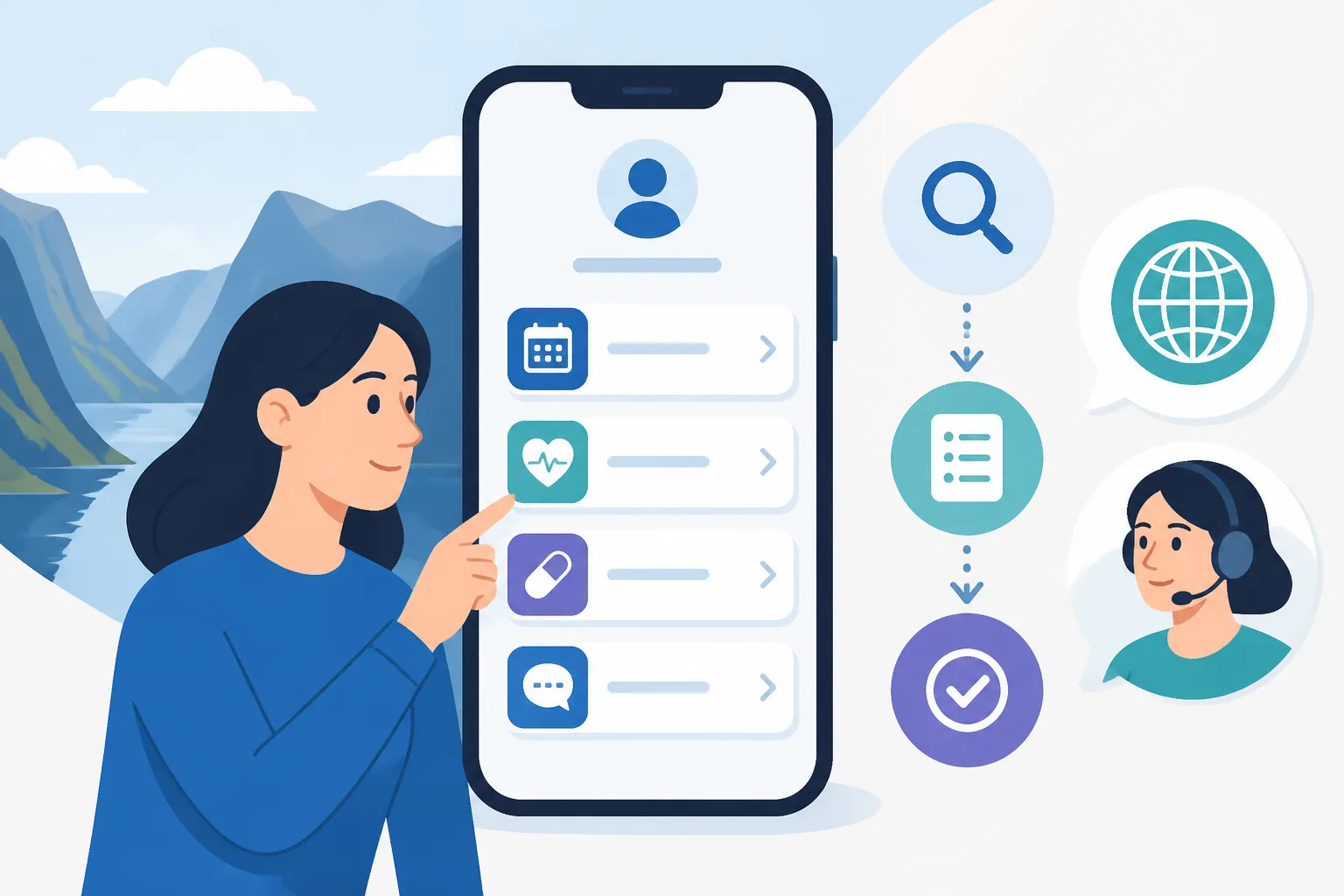
To log in, you must have BankID. There is simply no way around this for full functionality. Whether you use the BankID app or the physical code token, this is your digital signature. Once you are in, the app can feel like a labyrinth. The home screen usually greets you with your name and a series of icons. The most important thing to remember is that the "Hjem" (Home) screen is just a dashboard; the real work happens under the "Tjenester" (Services) tab. If you find yourself lost, always look for the "Meny" button at the bottom right.
I’ve spent countless hours translating these terms for friends who just arrived. The terminology isn't just "medical Norwegian"; it is administrative "Helsedirektoratet" Norwegian. For instance, seeing "Helseopplysninger" might look intimidating, but it simply means "Health Information." Understanding these nuances is the first step toward Navigating the Helsenorge App in English: A Step-by-Step Translation and feeling like you actually have control over your medical life here.
The Essential Translation Table
To make your life easier, I have compiled a list of the most common terms you will encounter within the app. Bookmark this or keep it open the next time you are trying to navigate a referral.
| Norwegian Term | English Translation | What it actually means |
|---|---|---|
| Fastlege | General Practitioner (GP) | Your primary doctor who manages your care. |
| Resepter | Prescriptions | List of all your active and historic medications. |
| Egenandel | User Fee | The amount you pay out-of-pocket for a visit. |
| Frikort | Exemption Card | The card you get when you've hit the annual spending limit. |
| Henvisning | Referral | A "ticket" from your GP to see a specialist. |
| Prøvesvar | Test Results | Lab results from blood work or imaging. |
| Sykemelding | Sick Note | The official document for your employer if you're ill. |
| Kjernejournal | Summary Care Record | Your critical health info accessible by ER doctors. |
Decoding the Main Menu: Your Health Dashboard
Once you are past the login screen, you will likely see a section called "Min helse" (My Health). This is your personal hub. If you have children under 16, they will also appear here, but switching between profiles is a common point of confusion. You have to click on your own name or the "Bytt profil" (Change Profile) link to see your dependents' information. This is crucial for parents who need to check childhood vaccination records or book appointments at the Helsestasjon: Norway’s Free Child Health Clinics and Vaccination Program.
Under the "Tjenester" tab, you will find the "Fastlege" section. This is perhaps the most utilized part of the app. Here, you can see who your assigned doctor is, the address of their clinic (legekontor), and their phone number. If you aren't happy with your doctor or if you've moved to a new neighborhood, this is also where you initiate Changing Your Fastlege: Rules and Waiting Lists in Norway. You are allowed to change your GP twice per calendar year, but be warned: the best doctors in cities like Oslo or Bergen often have waiting lists that span months.
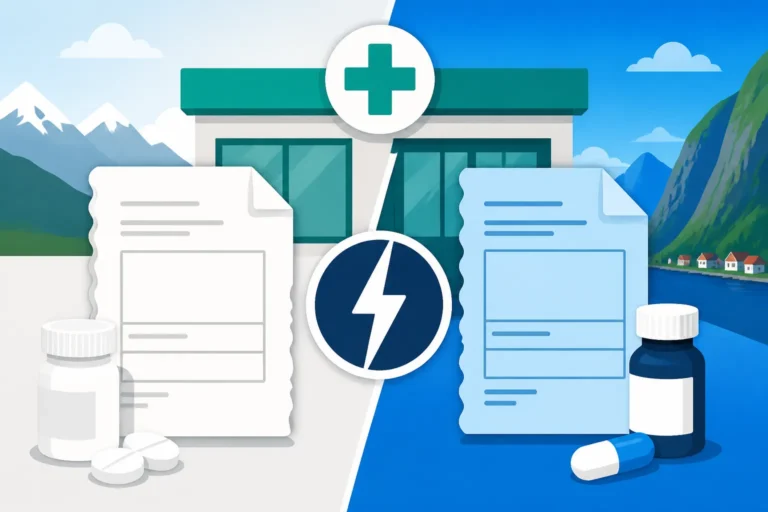
Another vital section is "Resepter." When a doctor prescribes something, it doesn't come on a piece of paper anymore; it is an "e-resept." In this section of the app, you can see if the prescription is "Blå" (Blue) or "Hvit" (White). This distinction is vital for your wallet. If you see Blue Prescriptions (Blå Resept): Subsidized Medication for Chronic Illness, it means the government covers a significant portion of the cost. White prescriptions are usually paid in full by the patient. Knowing how to read this section helps you avoid surprises at the pharmacy counter.
Managing Appointments and Messaging
The "Timeavtaler" (Appointments) section is where you can see your upcoming visits. However, not all GP offices use the Helsenorge booking system. Some use third-party sites like Helserespons or VisitLege. If your doctor’s office is integrated with Helsenorge, you can click "Bestill time" (Book appointment). You will often be given three choices:
- Konsultasjon: A standard in-person meeting.
- E-konsultasjon: A digital chat or video call (usually has a fee).
- Kontakt legekontoret: A simple administrative message (for things like renewing a sick note).
Be careful with "E-konsultasjon." Many expats assume this is a free chat service, but in Norway, a digital consultation often carries the same "egenandel" (user fee) as a physical visit. You will be billed for the doctor's time. If you are worried about these costs accumulating, it is helpful to keep an eye on Understanding the Frikort: The 2026 Healthcare Exemption Card Limit. Once you hit that limit, usually around 3,100 NOK to 3,400 NOK depending on the year, your visits become free. The app tracks this automatically, and you can see your progress under the "Frikort og tjenester" section.
Understanding Test Results and Referrals
Nothing causes more anxiety than a notification saying "Ny melding" (New message) or "Nye prøvesvar" (New test results). When you click into "Prøvesvar," you will see a list of lab results. The app usually displays these in a table format with "Referanseområde" (Reference range). If your number is within that range, you're generally fine. If it's outside, your GP will usually attach a "Kommentar" (Comment).
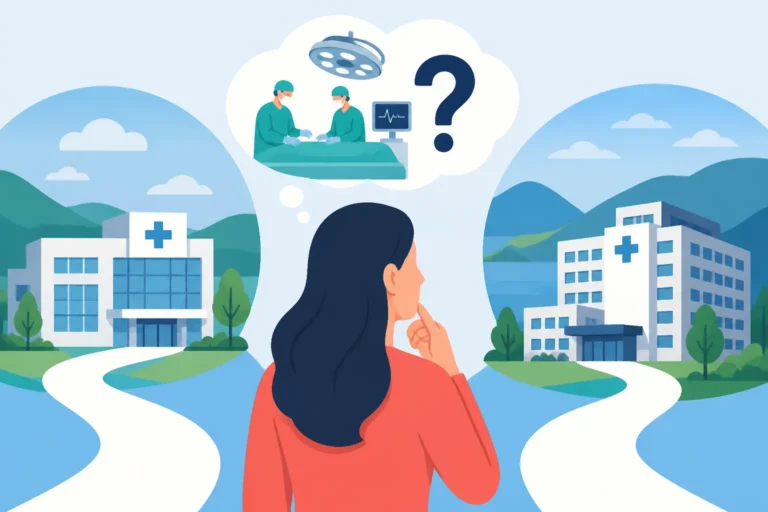
If your GP decides you need to see a specialist, they will issue a "Henvisning." You can track the status of these under the "Henvisninger" tab. This is where the Norwegian system's transparency shines. You can often see the estimated waiting time for different hospitals. If the wait at Oslo University Hospital is too long, the app might show you shorter wait times in Viken or Vestfold. This is part of the "Fritt behandlingsvalg" (Free choice of treatment) policy, allowing you to choose where you receive care to potentially Specialist Referrals in Norway: How the Waiting Times Work more efficiently.
Troubleshooting Common App Issues
Even with a translation guide, the app can be finicky. One of the most common issues is the "BankID på mobil" vs. "BankID App" confusion. Since the old mobile-SIM version was phased out, you must ensure your BankID app is updated, or you will get stuck in an endless login loop. If you are a high-net-worth individual or a professional expat who prefers more hands-on service, you might find the public system's digital-first approach a bit cold. In such cases, having Private Health Insurance in Norway: Is It Worth the Extra Cost? through a provider like Cigna Global can offer a different layer of support, often with their own English-speaking concierge apps.
Another pain point is the "Digital Postkasse" (Digital Postbox). Helsenorge will often send official letters here rather than to your physical mailbox. If you don't have notifications turned on, you might miss a crucial appointment for a scan or a surgery. I highly recommend going into the "Innstillinger" (Settings) menu and ensuring your "Varslinger" (Notifications) are set to both SMS and Email. This ensures that even if you don't check the app daily, you’ll get a ping when something important happens.
For those who are still struggling with the language, there is a "Skjermleser" (Screen reader) trick. If you access Helsenorge via a mobile browser (like Chrome or Safari) rather than the standalone app, you can use the built-in "Translate Page" function. While the translation isn't perfect—sometimes it translates "Fastlege" as "Fast Doctor" instead of GP—it can help you get the gist of a long medical report or a complex set of instructions for Emergency Medical Care in Norway: 113, Legevakten, and Hospitals.
What to Do When the App Fails
Sometimes, the app simply won't show what you need. This often happens if you were treated at a private clinic that doesn't sync with the national system. If you used a service like Dr.Dropin or Kry, their notes might stay within their own proprietary apps. To get the full picture of your health, you might need to manually request these records and upload them or bring them to your GP to be added to your Kjernejournal Basics: Your Norwegian Summary Care Record.
If you are a digital nomad or a frequent traveler, you might find that Helsenorge doesn't cover your needs when you are outside the Nordic region. While the app shows your European Health Insurance Card (EHIC) digital version, it is not a replacement for comprehensive travel or expat insurance. Companies like SafetyWing are often used by the expat community to bridge these gaps, especially during the initial months when your Helsenorge profile is still being populated with data from the National Registry.
Lastly, if you are truly stuck, don't be afraid to use the "Kontakt" button to call the Helsenorge helpline. They do have English-speaking operators who can guide you through the technical aspects of the site. They cannot give medical advice, but they can tell you why your Healthcare Budgeting: The Frikort Exemption Card and User Fees status hasn't updated or how to find a form that seems to have vanished.
Moving Beyond the App: Real-World Integration
Navigating the app is just the digital side of the coin. The real-world application involves taking that digital information to the "Apotek" (Pharmacy) or the "Legevakt" (Emergency Clinic). When you go to a pharmacy, you don't need a paper slip. You simply give them your ID number, and they pull up your "Resepter" directly from the system you’ve been looking at in the app. It is a seamless process once you understand the backend.
If you are dealing with chronic issues, you will become very familiar with the "Helseopplysninger" section. This is where your "Kjernejournal" lives. I recommend checking this periodically to ensure your "Allergier" (Allergies) are correctly listed. In an emergency, if you are taken to the hospital unconscious, the doctors will check this specific section of your Helsenorge profile first. Making sure it is accurate is one of the most important things you can do for your safety in Norway.
For those planning a long-term stay, including potentially Norwegian Citizenship: Naturalization Laws, Dual Nationality, and Passports, your health records in Helsenorge serve as a permanent history of your time in the country. It tracks everything from your first GP visit to major surgeries. While the interface might be challenging at first, it is an incredibly powerful tool for patient autonomy. Once you have mastered How to Book a Doctor’s Appointment Online Using BankID and can read your own test results, you will find that the Norwegian system, despite its linguistic barriers, is one of the most efficient and transparent in the world.
If you are feeling overwhelmed, remember that every expat has been there. We have all stood in the pharmacy line, frantically googling what "utlevering" means while the pharmacist waits patiently. Take it one tab at a time, use the translation table provided here, and soon, managing your health in Norway will feel like second nature. If the public system feels too slow or the digital hurdles are too high, exploring premium options like Cigna Global can provide an alternative pathway, but for the vast majority of us, Helsenorge is the key to a healthy life in the North.
Medical Disclaimer
The information provided in this guide is for informational and educational purposes only and is based on personal experience and general knowledge of the Norwegian healthcare system. This is not medical advice, nor is it an official manual for Helsenorge. Digital interfaces and government regulations are subject to change. Always consult with a qualified healthcare professional or contact Helsenorge directly for official guidance regarding your specific medical situation or technical issues with the app.