How to Book a Doctor’s Appointment Online Using BankID
Trying to navigate the Norwegian healthcare system when you are shivering with a fever is a special kind of administrative torture. I remember sitting in my cold apartment in Bergen, staring at a login screen and realizing I couldn't even message a doctor because my digital credentials weren't active yet. This guide solves that frustration by walking you through the exact steps to book your medical appointments online using BankID.
Understanding the Helsenorge Ecosystem and BankID
In Norway, your digital life is anchored by BankID. It is far more than just a way to check your savings; it is your "digital passport" for every government interaction. When it comes to your health, everything flows through a centralized portal called Helsenorge. This site is the nervous system of the Healthcare in Norway for Expats: How the System Works (2027). Without BankID, you are essentially invisible to the digital scheduling system, which can be incredibly isolating when you're used to just calling a front desk.
What is BankID and Why is it the Gatekeeper
BankID is a secure personal identification system that uses a combination of something you know (a password), something you have (a code chip or the BankID app), and who you are (your Norwegian personal identity number). For expats, getting this set up is often the biggest hurdle to feeling "settled." Until you have it, you are often stuck in a cycle of phone calls and physical visits. The BankID Explained: Norway's Digital Identity System and Expat Challenges guide goes into the nitty-gritty of why this can take weeks to arrive, but once you have it, the doors to the medical system swing wide open.
The reason Norway insists on this level of security is the sensitivity of medical records. When you log into Helsenorge, you aren't just booking a time slot; you are accessing your entire medical history, including Blue Prescriptions (Blå Resept): Subsidized Medication for Chronic Illness and historical lab results. It is a high-security environment, which is why your standard social media login won't cut it.
The Helsenorge Portal Your Digital Health Hub
Think of Helsenorge as your personal health dashboard. Once you log in, you can see who your assigned doctor is, view your User Fees (Egenandel) for Doctor Visits Before Reaching Frikort Status, and even manage your children’s health records. It is a remarkably efficient system once you learn the vocabulary.
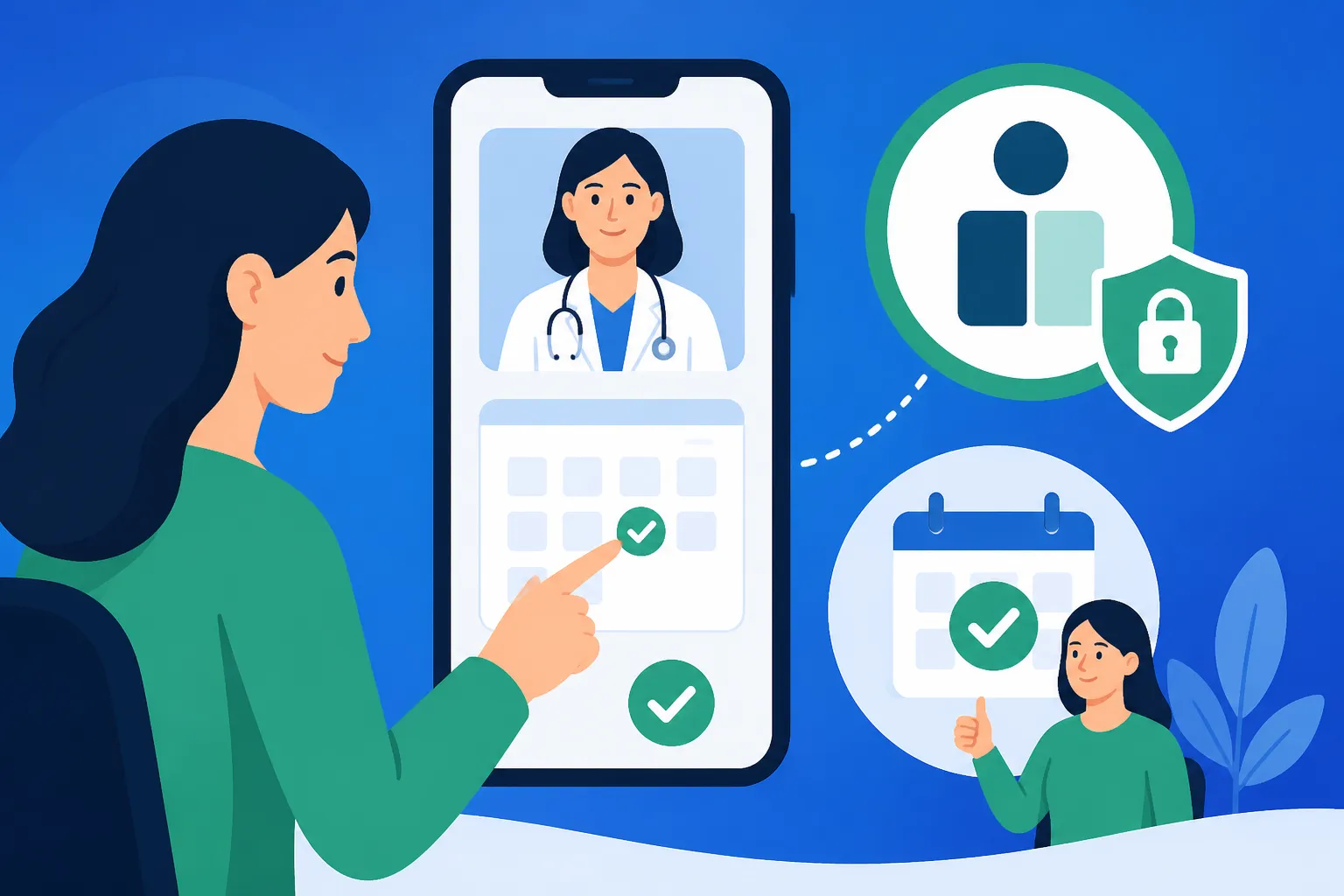
For many foreigners, the first interaction with Helsenorge involves How to Register for a Fastlege (GP) on Helsenorge. Your Fastlege (GP) is your primary point of contact for everything from a sore throat to a mental health crisis. Helsenorge allows you to communicate with their office via "e-consultations," request renewals for medications, or, most importantly, book a physical appointment in their calendar without ever speaking to a receptionist.
Step-by-Step Guide to Booking Your Appointment
The process is designed to be streamlined, but the terminology can be confusing if your Norwegian is still at the "jeg snakker litt" stage. Even though there is an English version of the site, many of the specific practice-level booking modules remain in Norwegian because they are managed by individual clinics rather than the national health service.
Logging In and Navigating the Dashboard
First, head to Helsenorge.no. In the top right corner, you will see the "Logg inn" button. You will be prompted to choose your electronic ID. Most people choose "BankID" (the one with the app) or "BankID på mobil." After entering your 11-digit national identity number and following the prompts on your phone or code chip, you will be redirected to your personal landing page.
Once inside, look for the section titled "Health Services" or "Mine tjenester." Within this menu, you want to find "Fastlege" or "Timeavtaler" (Appointments). If your GP has enabled digital booking—and most have by 2026—you will see a button that says "Bestill time." If you are a newcomer still waiting for your permanent ID, you might be using Healthcare Rights for D-Number Holders: Exclusions and Alternatives, which often requires more manual intervention.
Selecting Your Time Slot and Reason for Visit
When you click "Bestill time," you are usually presented with a calendar. It is important to note that you can often choose between different types of appointments:
- Physical Appointment (Fysisk konsultasjon): A standard 15-20 minute meeting at the clinic.
- Video Consultation (Videokonsultasjon): Great for follow-ups or things that don't require a physical exam.
- Telephone Consultation (Telefonkonsultasjon): The doctor calls you at a scheduled time.
You will likely be asked to write a brief sentence about why you are booking. Be concise. For example, "Vondt i halsen" (Sore throat) or "Trenger sykemelding" (Need a sick note). If you are looking for specific documentation for work, you should read up on Getting Sick Notes (Sykemelding) from Your GP for Work to ensure you are booking the right type of visit. After selecting a slot, you will receive a confirmation message in your Helsenorge inbox and often a text message to your registered Norwegian phone number.
Understanding the Booking Calendar Layout
| Norwegian Term | English Translation | Usage Context |
|---|---|---|
| Ledig time | Available time | Click these slots to book. |
| Opptatt | Busy / Booked | These slots are unavailable. |
| Konsultasjon | Consultation | A standard doctor's visit. |
| Egenandel | User fee | The amount you pay out-of-pocket. |
| Avbestill | Cancel | Use this to release your slot. |
| Endre | Change | Use this to reschedule your slot. |
Common Hurdles and Troubleshooting for Expats
Even the most tech-savvy expat will eventually hit a wall with the digital system. The most common issue is the "24-hour rule." If you try to cancel an appointment less than 24 hours before it starts, the system will often block you, and you will be invoiced for the full fee, even if you have a Healthcare Budgeting: The Frikort Exemption Card and User Fees.
What to Do if You Do Not Have BankID Yet
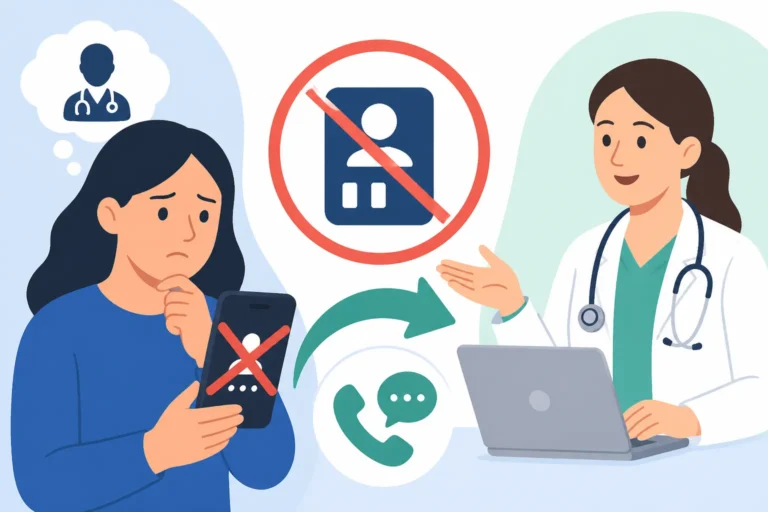
If you are in that frustrating limbo period where you have a D-number but no BankID, you cannot use the online booking system. This is a significant pain point for many. In this case, you must call your GP’s office directly. Be prepared for a wait on the phone, especially between 8:00 AM and 10:00 AM.
If you haven't been assigned a GP yet, or if you are a tourist, the online portal won't help you. You should instead look into Tourist Medical Care: What Happens if You Get Sick in Norway? or visit a local Legevakt. For those living here long-term but stuck without digital access, the guide on What to Do if You Need a Doctor but Don't Have BankID is an essential survival resource.
Language Barriers and Translation Workarounds
While the Helsenorge frame is available in English, the actual messages from your doctor and the specific booking instructions from the clinic are almost always in Norwegian. I highly recommend using a browser with a built-in translation extension. However, be careful with medical terms, as auto-translate can sometimes garble specific instructions.
For a more detailed breakdown of the interface, you can refer to Navigating the Helsenorge App in English: A Step-by-Step Translation. This is particularly useful for finding the "Contact" section where you can send a "Melding" (message) to your doctor's receptionist for non-urgent questions, which is often faster than booking a full appointment just to ask a quick question about a prescription.
Emergency vs. Routine Appointments
Helsenorge is for routine care. If you are experiencing a medical emergency, do not log in to BankID. You need to call 113 for life-threatening issues or 116 117 for the out-of-hours clinic. Understanding the difference is vital; many expats mistakenly try to book a "fast" appointment on Helsenorge for something that actually requires Legevakten (116 117): When and How to Use the Out-of-Hours Service.
Alternatives to the Public Digital System
If the public system feels too slow—and with the current Specialist Referrals in Norway: How the Waiting Times Work, it often can—there are private alternatives. Many expats choose to bypass BankID-based booking entirely by using private clinics like Dr.Dropin or Volvat. These services allow you to book via their own apps or websites using just a phone number or credit card.
Private Clinics and Video Consultations
For minor issues like prescriptions, rashes, or simple infections, Using Private Video Consultations (Kry, Dr.Dropin) in Norway is often a much more user-friendly experience for non-Norwegian speakers. These platforms are designed with a more "commercial" UX, making the booking process feel familiar to anyone who has used an app like Uber or Airbnb.
While the public system is excellent for chronic care, the private sector is where many foreigners turn for speed. If you have international coverage through a provider like SafetyWing, you might find that their "Nomad Health" or travel policies provide easy paths to reimbursement for these private visits. For those who want the highest tier of coverage, Cigna Global offers plans that allow you to skip the Fastlege queues entirely and head straight to a private specialist, which can be a lifesaver if you are struggling with the nuances of the Norwegian public waitlists.
Insurance Considerations for Expats
It is a common myth that healthcare in Norway is entirely free. You will always pay a small co-pay until you reach the annual limit. If you are worried about these costs or want to access private hospitals, you might ask, Do I Need Private Health Insurance if I Live in Norway?.
Having a plan from Cigna Global can provide a layer of comfort, especially if you prefer to see English-speaking specialists without waiting for a referral from a public GP. Similarly, for those on shorter assignments or digital nomads, SafetyWing provides a flexible safety net that fills the gaps while you are waiting for your National Insurance Scheme (Folketrygden) registration to clear. Using these brands alongside the public system gives you the best of both worlds: the robust safety net of Norway and the speed of private enterprise.
Important Considerations Before Your Visit
Before you head to your appointment booked via BankID, make sure your contact information is updated in the "Kontakt- og reservasjonsregisteret." If your phone number is old, you won't receive the crucial SMS code that many clinics send to let you into the building or to confirm your arrival at the automated kiosk.
Furthermore, check your Healthcare Budgeting: The Frikort Exemption Card and User Fees status on Helsenorge before you go. If you have already reached the spending cap for the year, you don't have to pay the user fee at the clinic. The system is usually automatic, but it’s always good to have the digital card ready on your phone just in case the clinic's system hasn't updated yet.
Lastly, if you are bringing medication from abroad and need a Norwegian equivalent, be sure to have your original prescription or a doctor's letter ready to upload to the Helsenorge portal before your meeting. This helps your Norwegian GP understand your history much faster and ensures a smoother transition into the local system.
Disclaimer
This article is for informational purposes only and does not constitute medical or legal advice. Healthcare regulations and digital systems in Norway, including BankID and Helsenorge protocols, are subject to change by the Norwegian Directorate of Health (Helsedirektoratet). Always consult with a qualified medical professional or the official Helsenorge website for the most current procedures and personal health concerns.